What to check first
- Save the exact error and recent account notices
- Separate GoDaddy account health from WordPress health
- Review PHP, database, plugins, theme, DNS, and SSL
Check the domain, host, and application separately
First determine whether the address reaches the intended server. Then check SSL and whether a simple file loads. If the server responds but WordPress fails, inspect PHP and database errors, recent plugin changes, and the active theme.
Preserve information during repair
Save the current files and database, even if a prior backup exists. A restore can erase newer content. Make one controlled change at a time and keep a record of what changed and how the site responded.
Confirm recovery in a visitor browser
Test pages, forms, redirects, and mobile navigation. Check that business email remains intact if DNS was touched. The dashboard working is only one part of the result.
Will a new hosting plan fix it?
Only if the evidence points to a hosting limitation; code and database faults need their own repair.
Long Island Webmaster is an independent website service provider. References to GoDaddy describe third-party products and do not imply affiliation or endorsement.
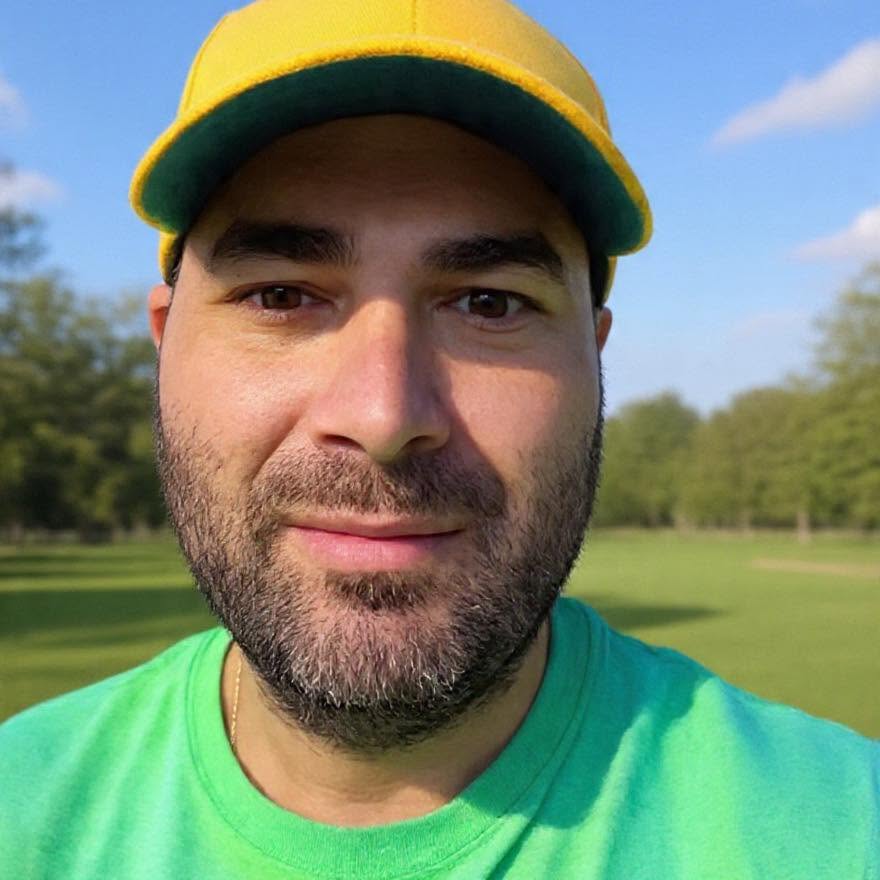
Greg Grigorian
Greg is a Long Island webmaster with more than two decades of experience repairing, building, securing, and managing business websites. Clients speak directly with Greg, so the person reviewing the problem is also the person responsible for the work.
ASK GREG ABOUT THIS WEBSITE PROBLEM