What to check first
- Keep the old hosting available if possible
- Compare files and database at both locations
- Check DNS, SSL, links, forms, and email after the move
Keep the source intact
Do not cancel the former hosting account while the move is broken. Compare the files, database, application configuration, and DNS records at both locations. Check whether new submissions landed on the old site after cutover.
Repair the actual mismatch
Missing images, login failures, SSL warnings, and form errors have different causes. Resolve each against a test checklist, then verify redirects and links from outside the destination server. Avoid changing nameservers again without a record of the full DNS zone.
Close the move carefully
Confirm pages, forms, email, backups, and transactions work, and retain a clean source copy. Only then retire services that the new site no longer needs.
Can I restore the old site temporarily?
Sometimes, but plan for data created after the move so it is not lost.
Long Island Webmaster is an independent website service provider. References to GoDaddy describe third-party products and do not imply affiliation or endorsement.
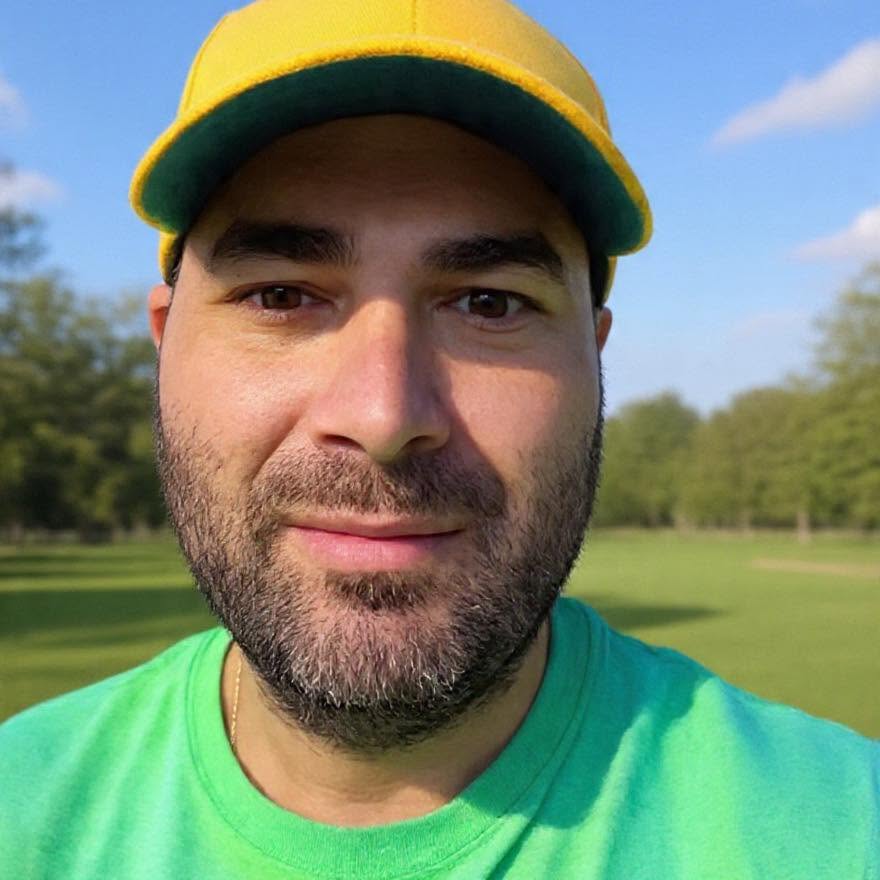
Greg Grigorian
Greg is a Long Island webmaster with more than two decades of experience repairing, building, securing, and managing business websites. Clients speak directly with Greg, so the person reviewing the problem is also the person responsible for the work.
ASK GREG ABOUT THIS WEBSITE PROBLEM