What to check first
- Confirm the correct login URL
- Use a secure password reset method
- Check whether the public site or only the dashboard is affected
Separate a password issue from a site issue
Confirm the correct login address and whether public pages still work. Note a security lock, redirect loop, blank screen, or invalid credentials. Avoid repeated guesses that may trigger account protection.
Recover through an authorized path
Use controlled account recovery, review PHP errors or plugin conflicts, and preserve the database before changing users. Once access returns, check administrator accounts and security events for anything unexpected.
Test the work the dashboard must perform
Log in, edit a small item, save it, and verify the public result. An admin page that opens but cannot publish is still broken.
Should I create another administrator?
Only after confirming ownership and understanding why existing access failed.
Long Island Webmaster is an independent website service provider. References to GoDaddy describe third-party products and do not imply affiliation or endorsement.
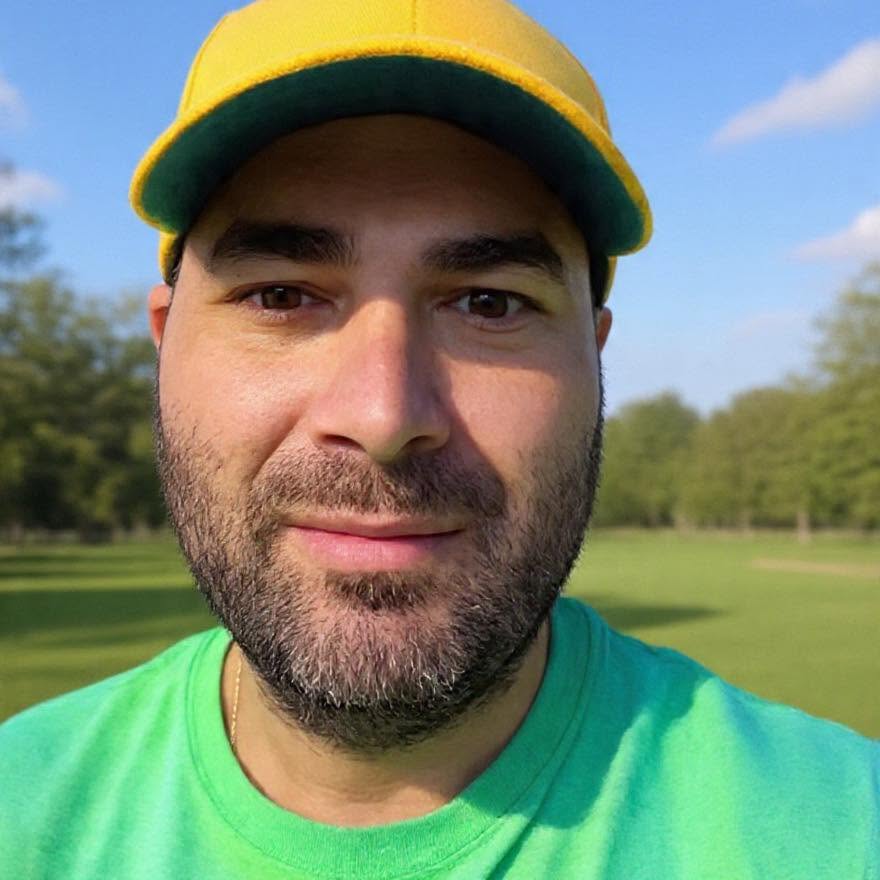
Greg Grigorian
Greg is a Long Island webmaster with more than two decades of experience repairing, building, securing, and managing business websites. Clients speak directly with Greg, so the person reviewing the problem is also the person responsible for the work.
ASK GREG ABOUT THIS WEBSITE PROBLEM